
Chrome Music Lab is a free, web-based platform that makes learning music simple, visual, and fun. Created by Google Creative Lab, it offers a collection of interactive experiments designed for students, teachers, and anyone curious about how music works.
Whether you’re a beginner or just exploring creativity, Chrome Music Lab lets you play with rhythm, melody, and sound—without needing any musical background.
What Is Chrome Music Lab?
Chrome Music Lab is a set of online tools that teach music concepts through hands-on interaction. Instead of traditional lessons, it uses visuals, animations, and simple controls to help users understand musical ideas like notes, chords, rhythm, and harmony.
You can access it directly in your browser—no downloads required.
Popular Experiments in Chrome Music Lab
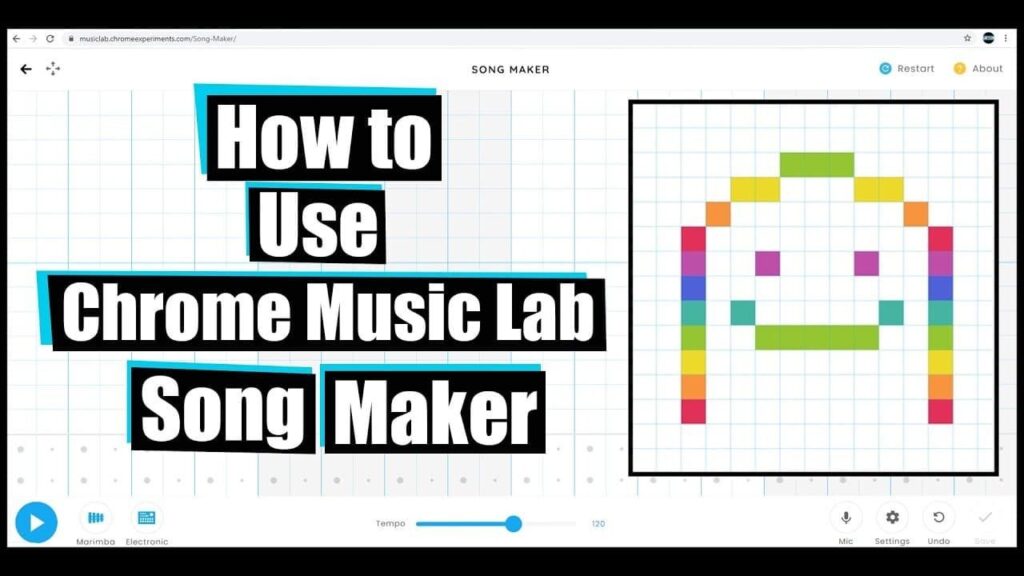
🎵 Song Maker
4
- Create your own melodies using a colorful grid
- Add beats, instruments, and tempo
- Share your music with a simple link
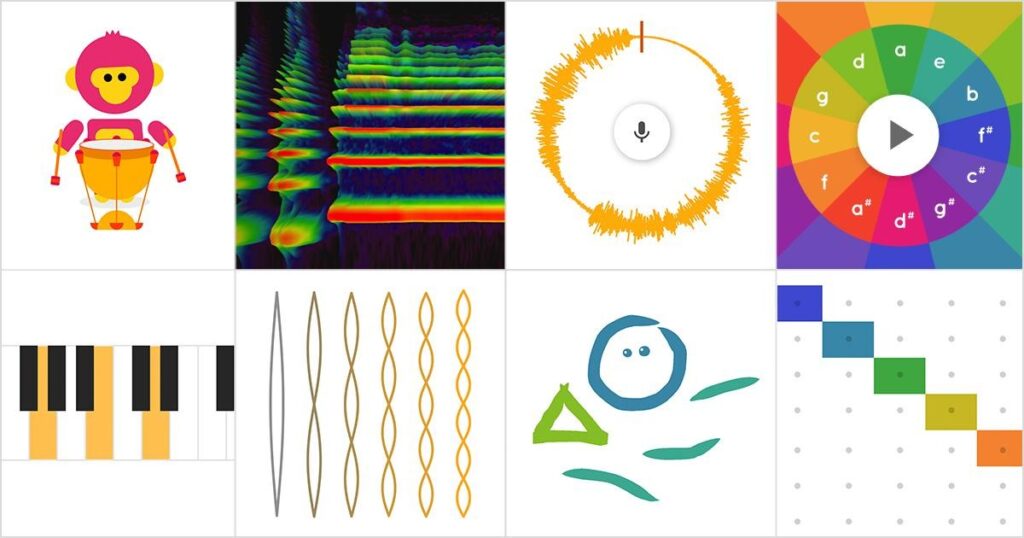
🥁 Rhythm
4
- Learn how beats and timing work
- Tap and create drum patterns
- Great for beginners and kids
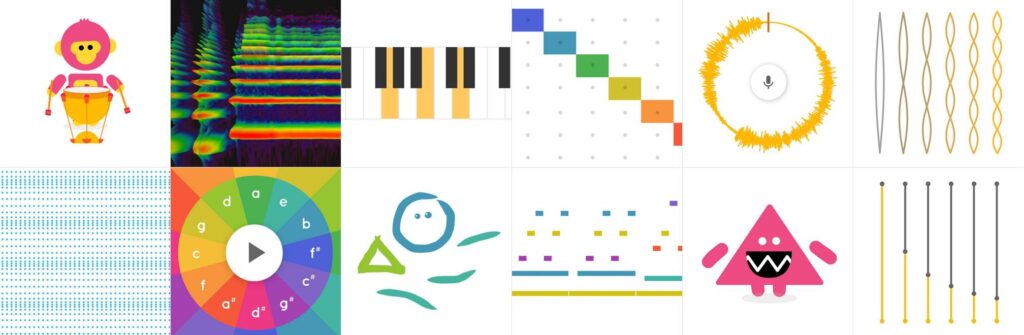
🎹 Piano Roll & Chords
4
- Understand notes and scales visually
- Explore how chords are built
- Improve basic music theory
🎤 Spectrogram

4
- See how sound looks visually
- Use your voice or microphone
- Learn about frequency and pitch
Key Features of Chrome Music Lab
- 🌐 Free and Online: No installation required
- 🎨 Interactive Design: Learn by doing, not memorizing
- 👨🏫 Education-Friendly: Widely used in classrooms
- 📱 Works on All Devices: Desktop, tablet, and mobile
- 🔗 Easy Sharing: Share your creations instantly
How to Use Chrome Music Lab
Getting started is simple:
- Visit the official website
- Choose an experiment (like Song Maker)
- Click, drag, or tap to create sounds
- Adjust tempo, instruments, or notes
- Share your creation with others
Benefits for Students and Teachers
Chrome Music Lab is especially useful in education:
- Helps students understand music visually
- Encourages creativity and experimentation
- Makes lessons more engaging and interactive
- Requires no prior musical knowledge
Teachers often use it for quick demonstrations or fun classroom activities.
Tips to Get the Most Out of It
- Start with Song Maker for easy composition
- Experiment with different instruments and speeds
- Use headphones for better sound quality
- Combine multiple experiments for deeper learning