
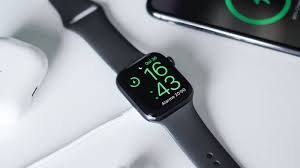
An Apple Watch charger is an essential accessory for keeping your smartwatch powered throughout the day. Whether you own the latest model or an older version, choosing the right charger ensures fast, safe, and convenient charging.
This guide covers everything you need to know—from types of chargers to buying tips and maintenance advice.
What Is an Apple Watch Charger?
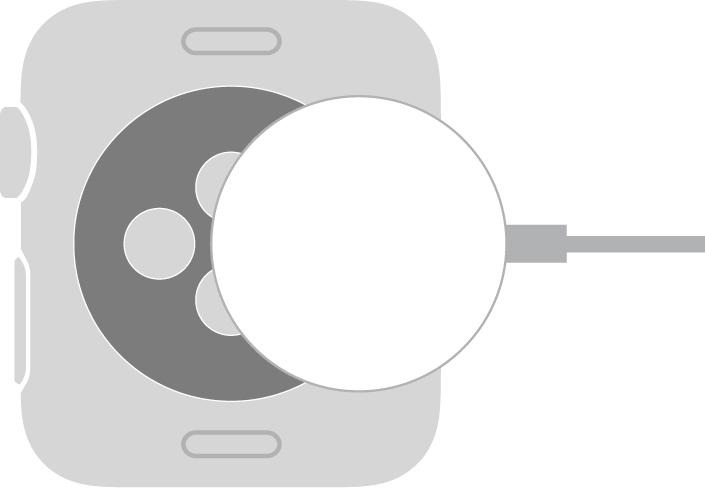
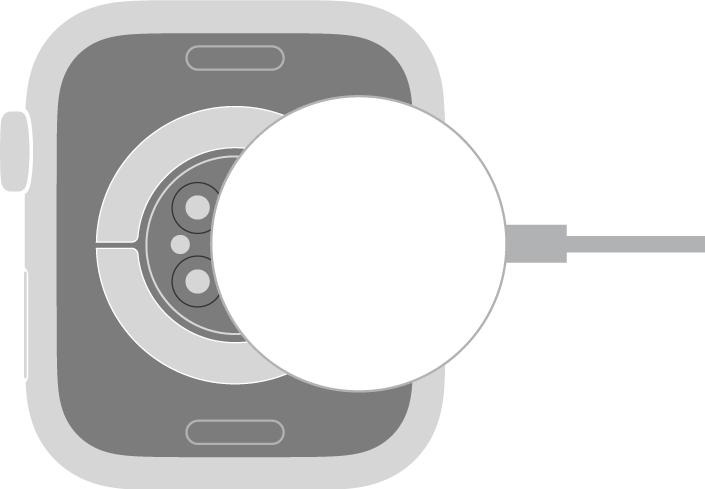
An Apple Watch Magnetic Charging Cable is a specially designed charger that uses magnetic technology to snap onto the back of your Apple Watch. Unlike traditional plug-in chargers, it aligns automatically, making charging effortless and secure.
4
Types of Apple Watch Chargers
1. Magnetic Charging Cable
The most common and official option from Apple:
- Comes with USB-A or USB-C connectors
- Easy snap-on magnetic design
- Compatible with all Apple Watch models
2. Fast Charging USB-C Charger
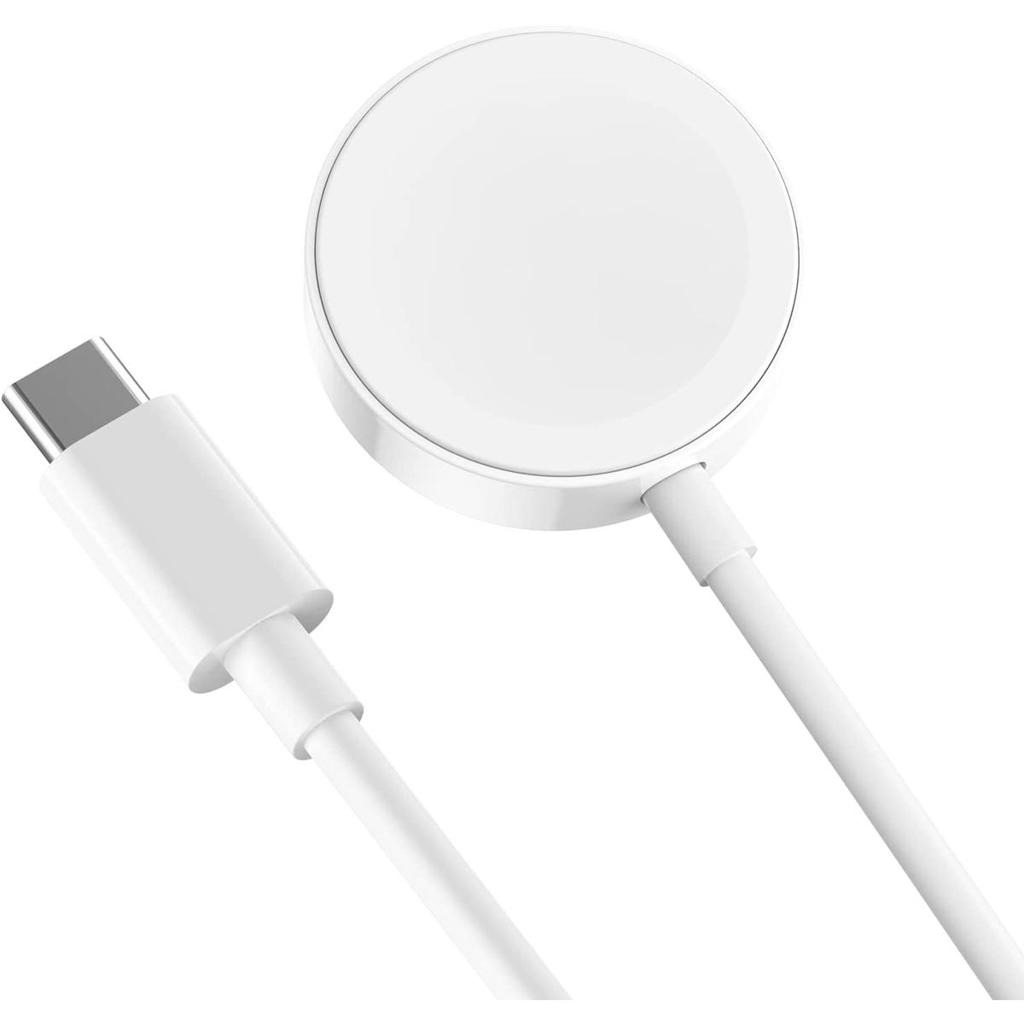
Newer models like Apple Watch Series 7 and later support fast charging with:
- USB-C cable
- Faster power delivery
- Reduced charging time
4
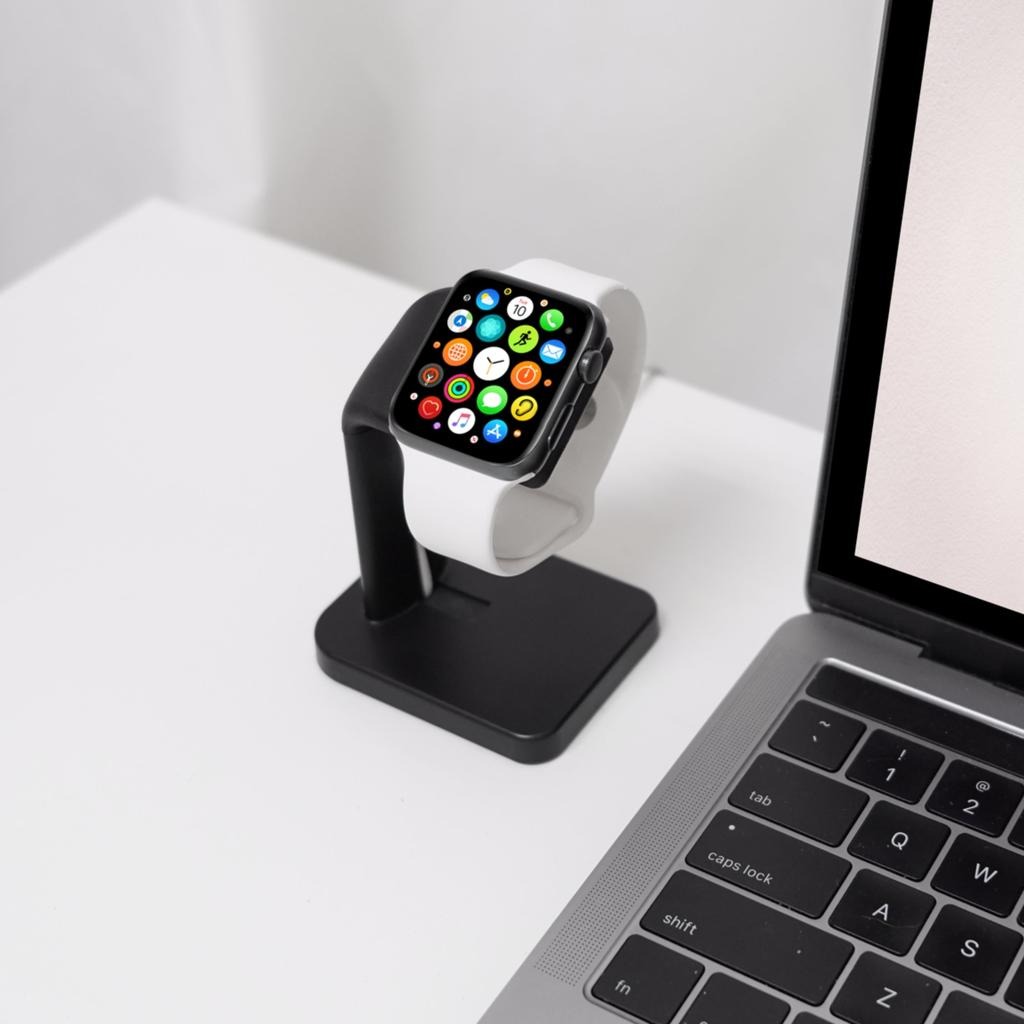
3. Wireless Charging Dock
Perfect for bedside or office use:
- Stand-style charging
- Nightstand mode support
- Clean and organized setup
4. Portable Chargers (Power Banks)
Ideal for travel:
- Built-in battery
- No cable required
- Compact and lightweight
4
Key Features to Look For
When choosing an Apple Watch charger, consider these features:
- ⚡ Charging Speed: Fast charging support for newer models
- 🔌 Compatibility: Works with your specific Apple Watch series
- 🛡️ Safety: Overcharge and heat protection
- 🎒 Portability: Lightweight for travel
- 🔗 Cable Length: Longer cables offer flexibility
How to Use an Apple Watch Charger
Charging your Apple Watch is simple:
- Plug the charger into a power source
- Place the back of your watch on the magnetic puck
- Wait for the charging symbol to appear
Make sure the back of the watch and charger are clean for proper alignment.
Tips to Extend Charger Life
- Avoid bending the cable sharply
- Keep the charging surface clean
- Use certified or original accessories
- Store properly when not in use
Common Problems and Solutions
Watch not charging?
- Check power adapter and cable
- Clean the magnetic surface
- Restart your Apple Watch
Slow charging?
- Use a USB-C fast charger
- Avoid low-power adapters